

Introducing Sites
This latest release is a big one, so let's get into it.
Your feedback widget, your ideas portal, and your surveys used to live in separate Projects. The story was pieced together with feedback here, survey responses over there, and ideas somewhere else. Connecting the dots was on you.
Not anymore. Projects are now Sites, and every site you track gets one home for its Feedback, Portal, Surveys, and Replays. The patterns that actually help you build a better product show up on their own, instead of you hunting for them across tools.
Read on for the full list of what's changed. Or watch the interactive demo instead. 👀👇
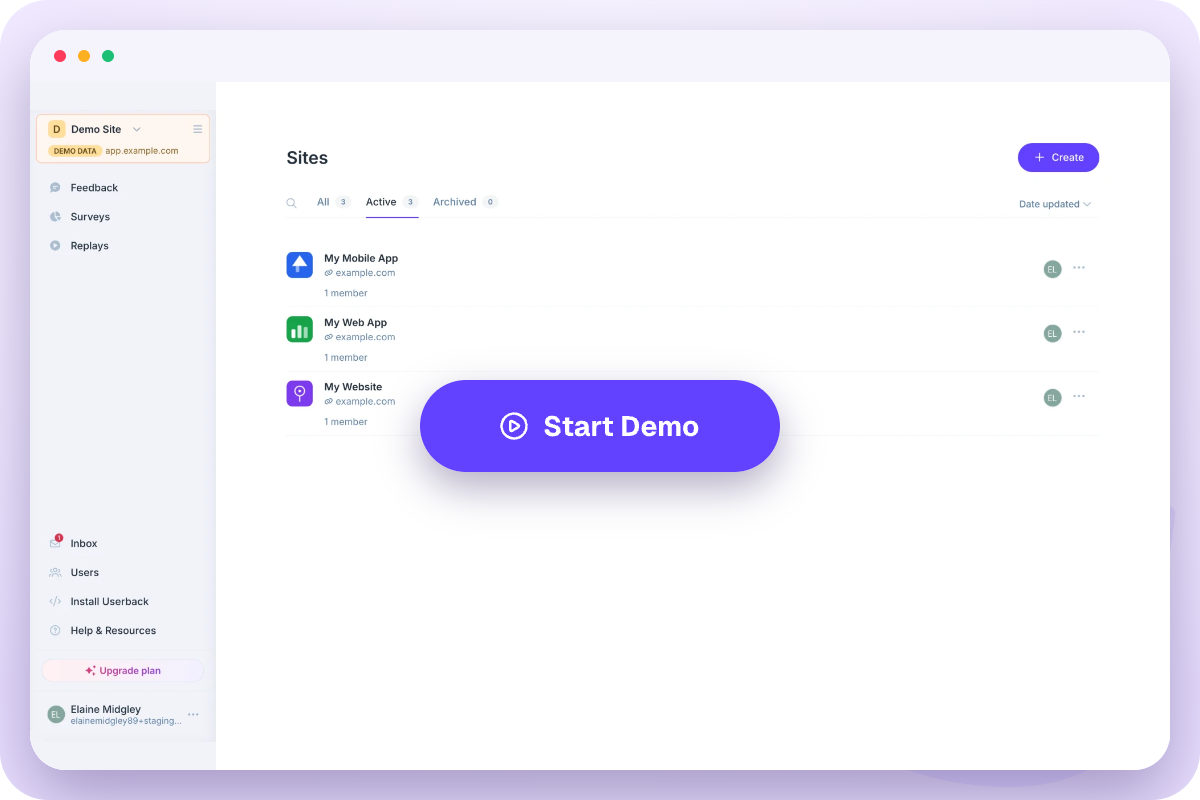
Sites
Projects are now called Sites. Each Site is scoped to where you collect feedback — commonly, one Site for your web app and another for your website.
Each Site brings together:
- Feedback
- Ideas Portal
- Surveys
- Replays
Because these all live together, you can see how feedback and survey responses about the same site connect, instead of piecing it together across separate Projects.
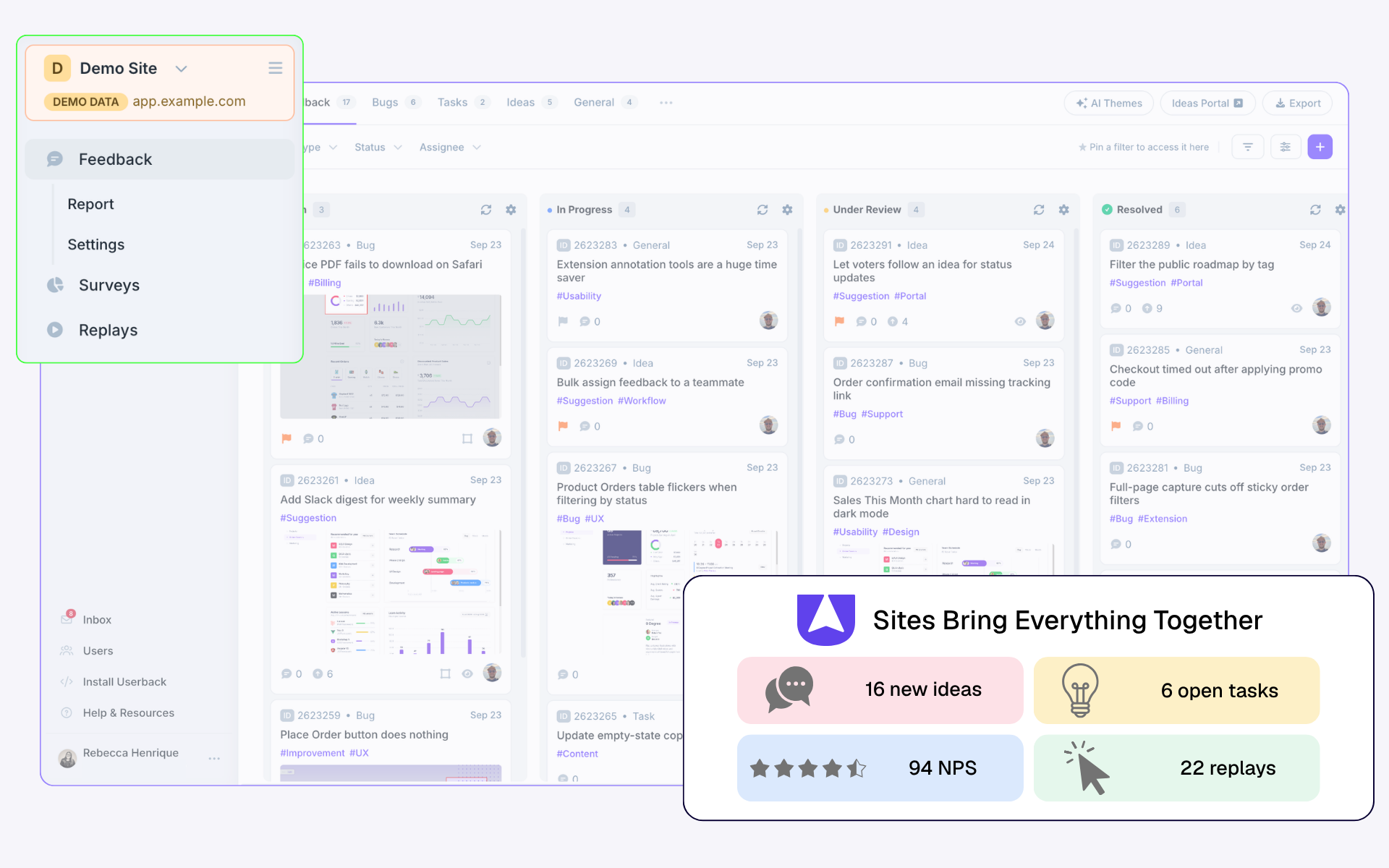
Other changes that come with the rename:
- The Project quick-switch dropdown is now the Site quick-switch dropdown in the top-left of the page
- Your Project limit is now your Site limit, and surveys no longer count against it, so create as many as you need
- Archiving or deleting a Site archives or removes all of its feedback widgets and surveys
- A new Demo Site is available so you can explore a fully-featured Site loaded with sample data
Existing ProjectsYour existing Projects and surveys have been moved into Sites automatically. Check your Sites list to see where everything landed, and reach out if you'd like anything moved.
Main Menu
We've rebuilt the main menu to make Sites easier to navigate.
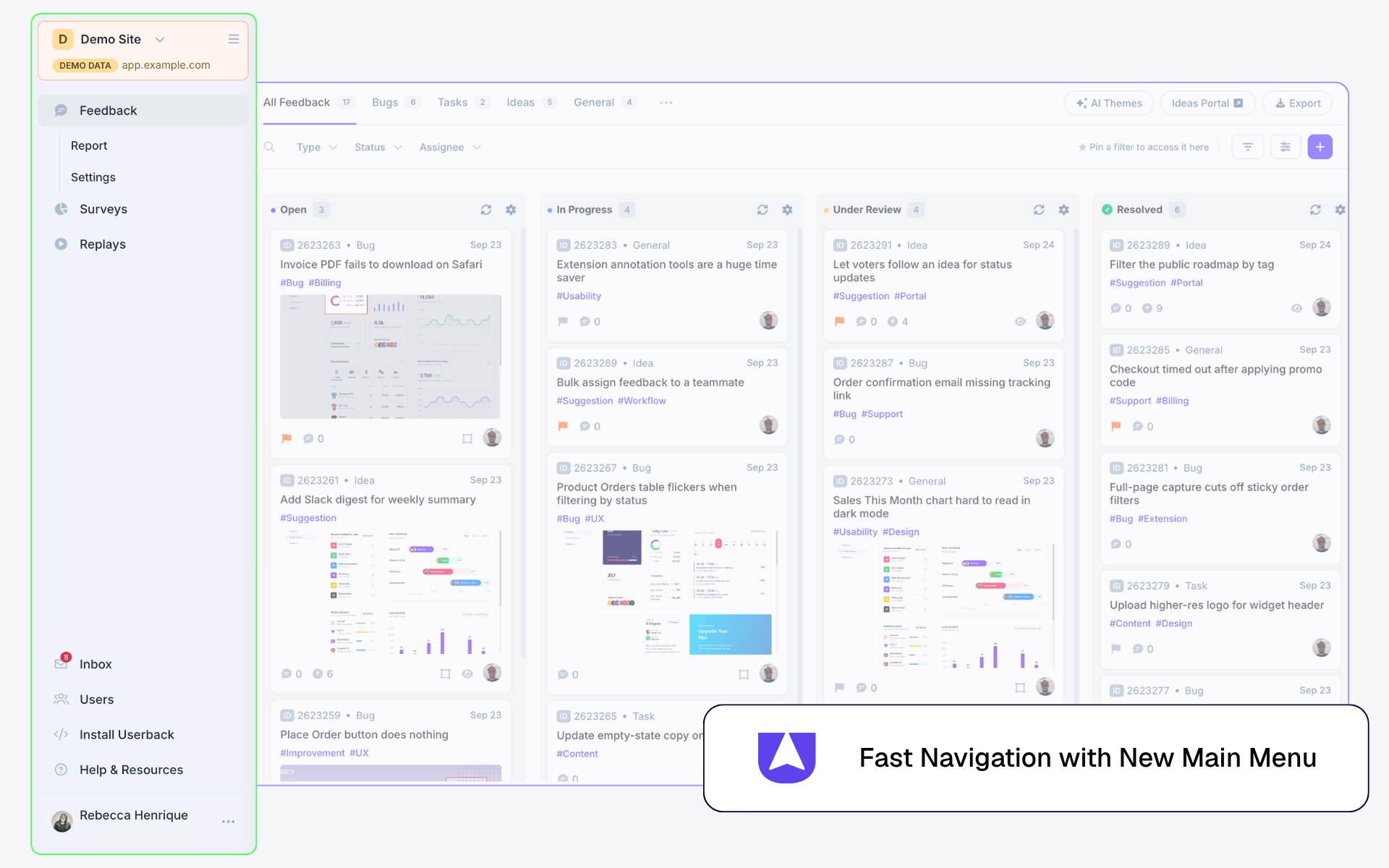
- The Overview page has been removed. The same information now lives on the Reports page or directly on the Feedback page
- Widget and Settings are accessible directly from the main menu
- What used to be Segments is now Users on the main menu
Widget SettingsNothing about your Widget or Settings has changed — just how you get to them. They're now one click from the main menu instead of buried in a sub-menu.
Members and Access
Member access now follows Sites instead of Projects.
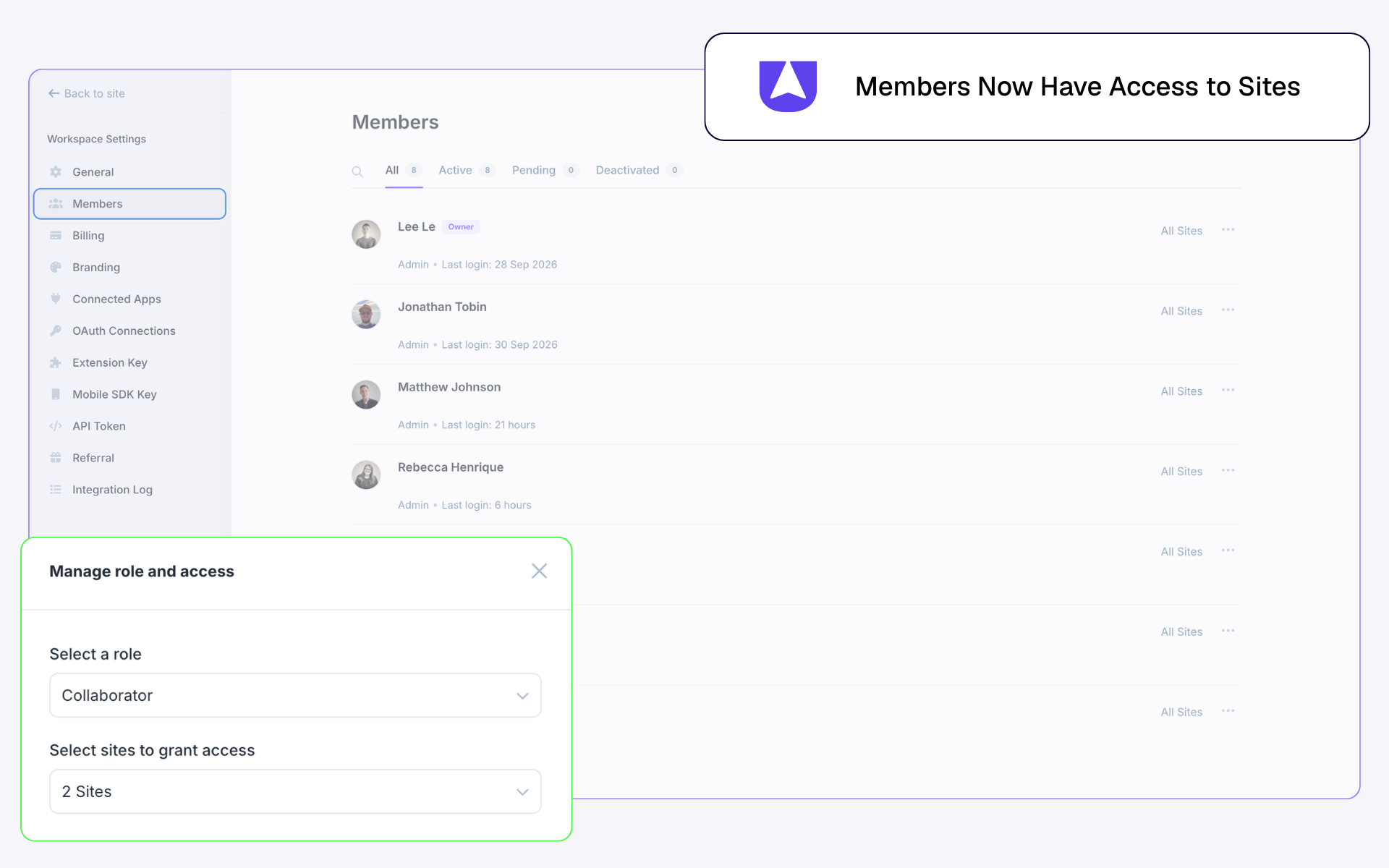
- When inviting or editing a member's access, you now choose a Site, then choose which of its Feedback and Surveys they can access. Previously this was scoped by Project.
- Site members can be edited from either the Members page or Site settings
Feedback Types
Feedback just got a new type: Tasks. Text updates, minor design tweaks, and other non-bug work finally have somewhere to go instead of piling up in your Bugs list.
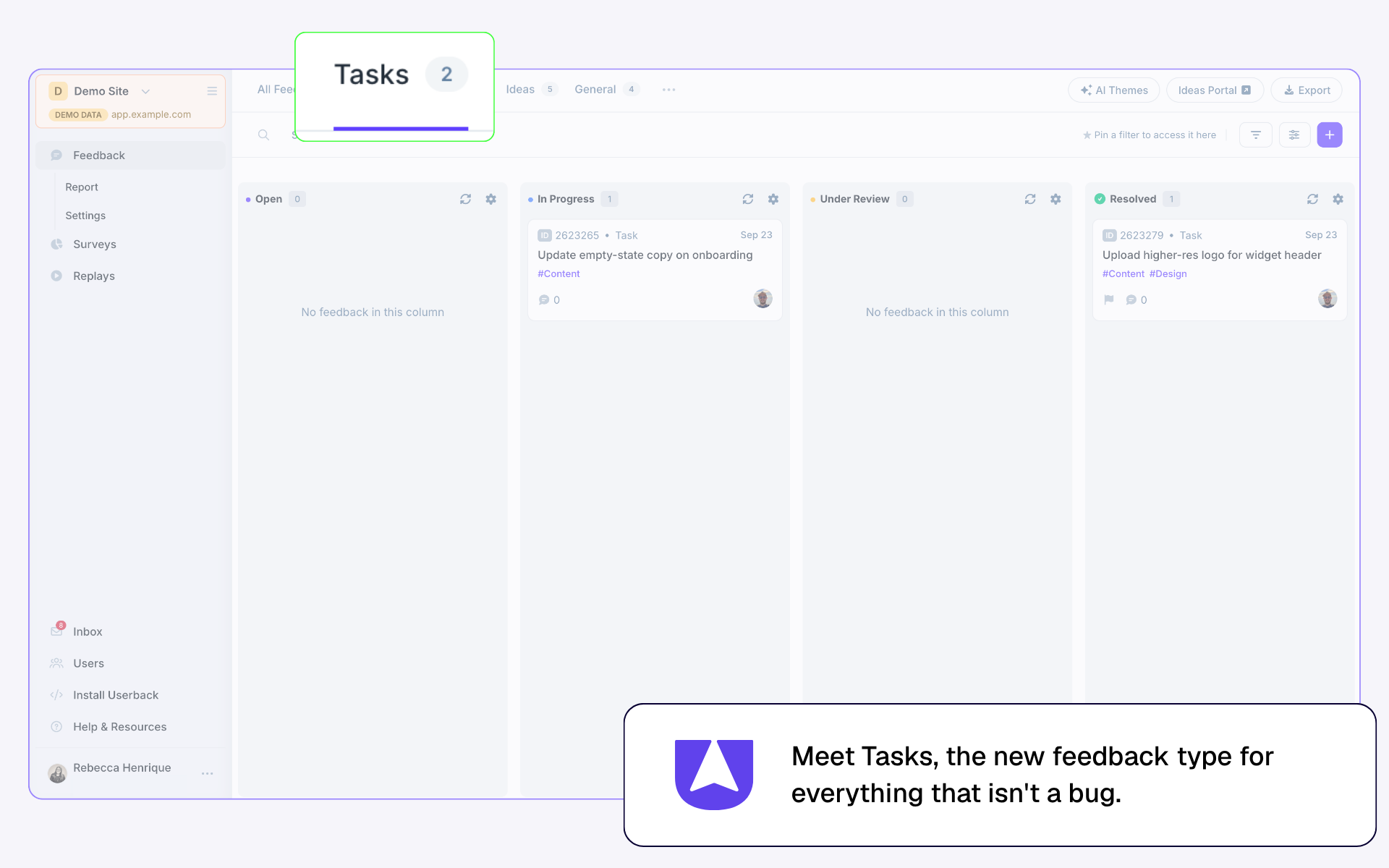
- Tasks is a new feedback type, for non-bug work like text updates and minor design tweaks that used to get misclassified as Bugs
- Each feedback type (Bugs, Tasks, Ideas, General) now has its own dedicated view, so you can switch between them in one click
Using Automation?Tasks is now its own feedback type, so check your automation rules to make sure Tasks are being triaged appropriately as this kind of feedback used to get caught as Bugs.
Feedback Page
The Feedback page itself got a refresh too. A few things moved, a few things are new, and search got easier.
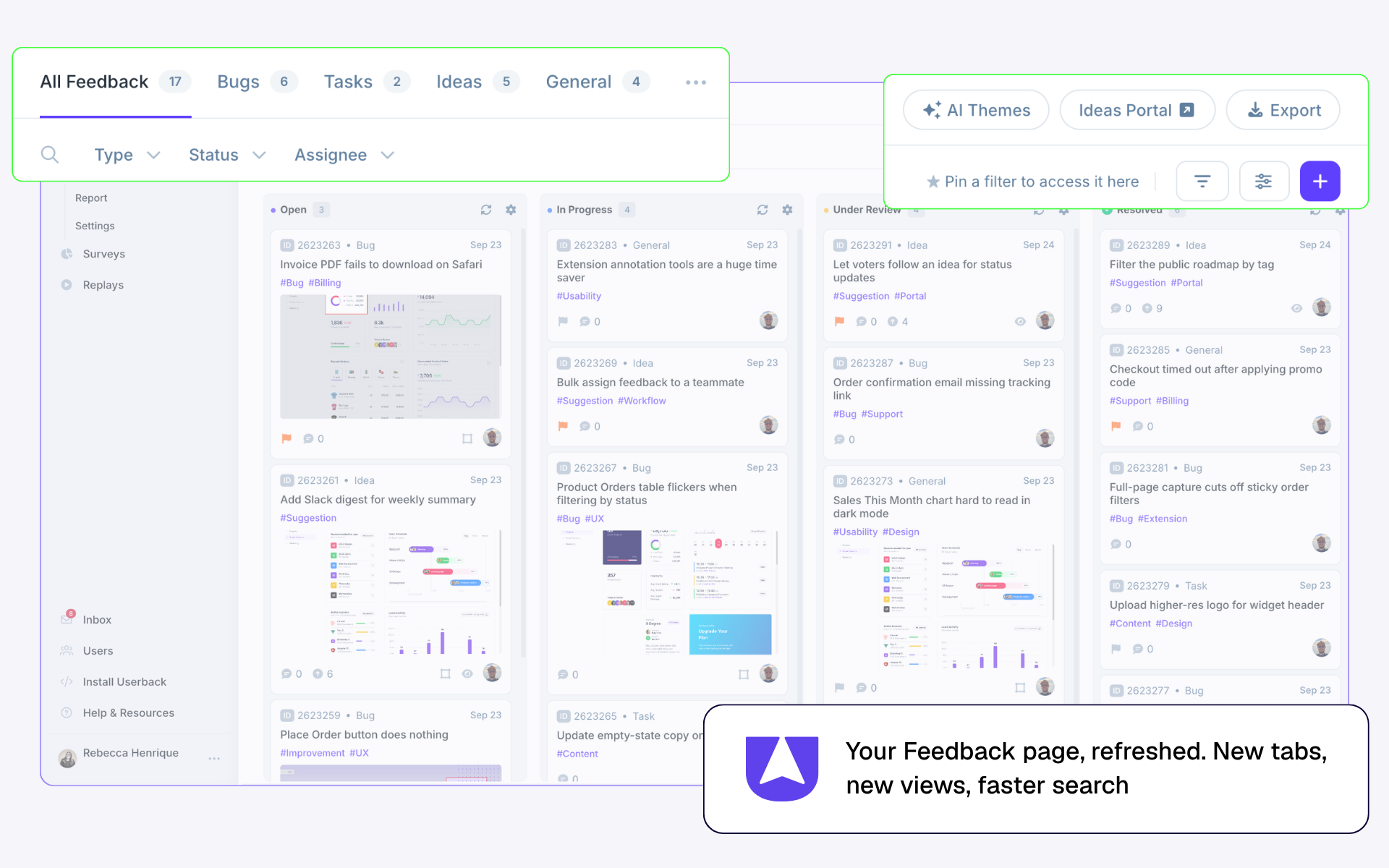
- Export, Ideas Portal, and AI Themes have moved to new locations on the page
- New list view for Ideas, making it easier for sort by votes and categories
- New quick search input style
- The old quick filters (Bugs, Ideas, General) have been removed, replaced by the new dedicated tabs
- Uploading feedback is now faster as it no longer requires selecting a Project/Site
Surveys
Surveys now have more room to work and a smarter way to close the loop when feedback's resolved.
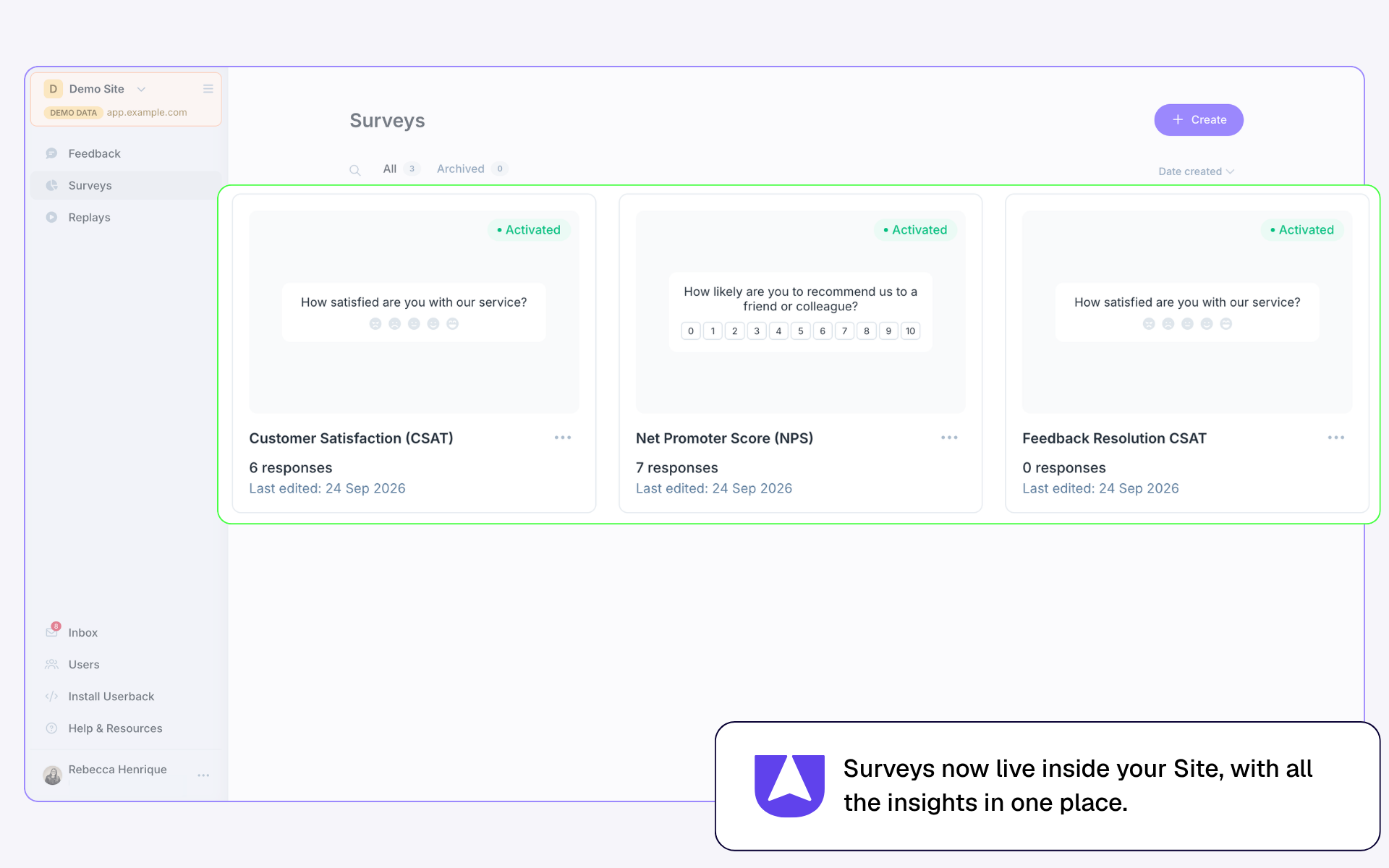
- A CSAT survey can now be sent to Reporters when their feedback gets resolved. This helps you close the loop and track satisfaction across your site's feedback.
- Surveys live inside your Site and no longer count against your Site limit
Feedback Channels
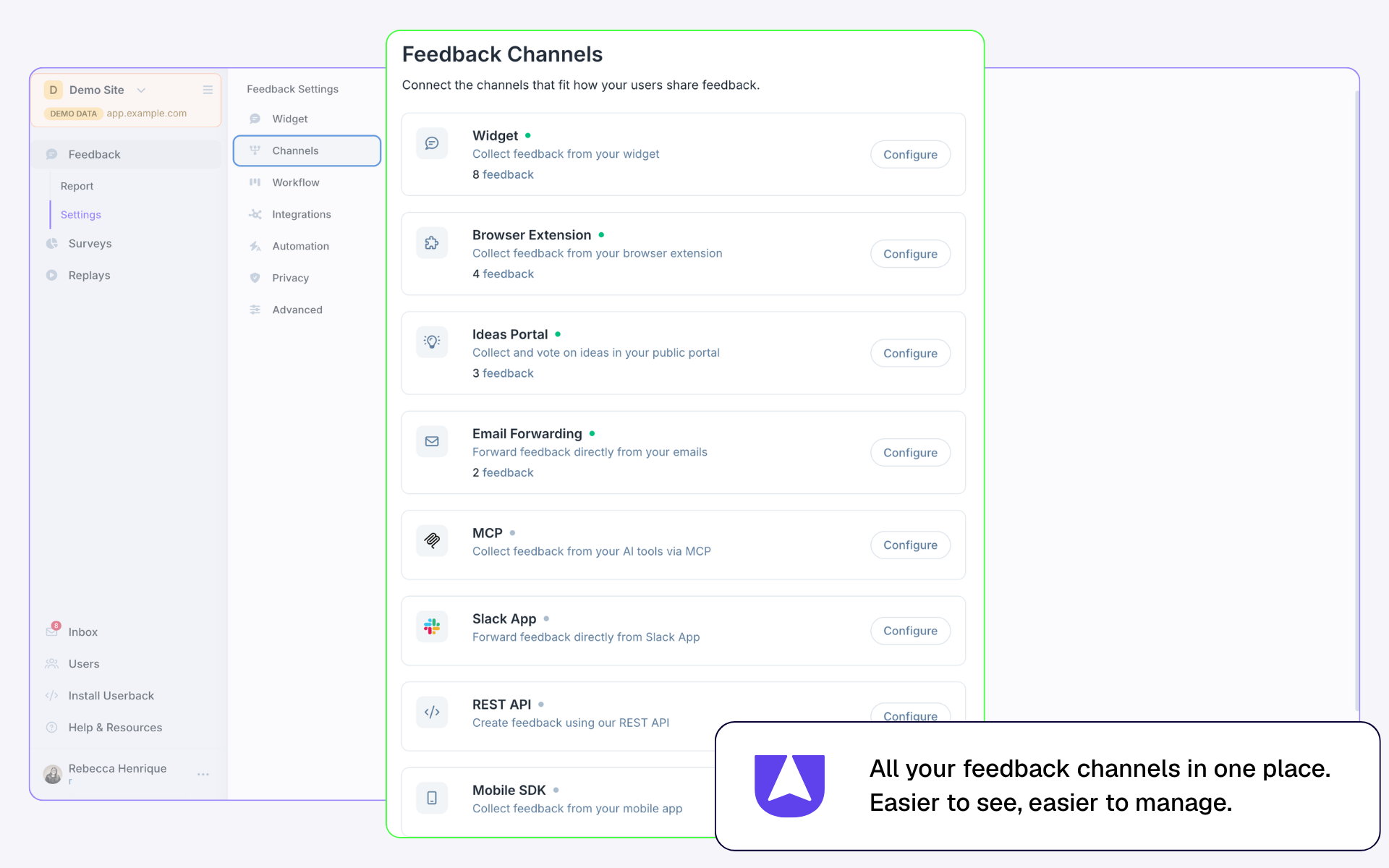
All the ways you collect feedback now live on one dedicated Feedback Channels page making them easier to see, and easier to manage.
Help and Setup
- New Setup page to help new users get started with their Site
- The Installation page has been simplified and moved to the main menu
- The weekly summary email now shows overall Site statistics instead of Project statistics
FAQs
Why did we make these changes?
We built Userback on one idea: software teams build better products when they listen to real users. All the feedback you collect for a Site — bugs, tasks, ideas, and surveys — now lives in one place instead of scattered across separate Projects, making it easier to connect the dots and act on what your users are telling you.
Do I need to do anything to migrate?
No. Your existing Projects and surveys were migrated automatically. If a survey's domain matched an existing Project, it's now merged into that Site. If there was no matching domain, it became its own Site. Check your Sites list if you want to see where things landed, and contact us if you need anything moved.
Does this change how I collect and manage feedback day to day?
No. Sites just changes where things live, not how you work.
Do I need to update my automation rules?
No. But if you currently use automation, then we recommend a quick check of your rules to make sure Tasks (the new feedback type) are being triaged appropriately, since they were previously being caught as Bugs.
Will my member permissions change?
No. Members who had access to a Project, have those same permissions with the migrated Site. When inviting or editing a member, you now choose a Site, then choose which of its Feedback and Surveys they can access.