

📡 Network Requests
We’ve added Network Request tracking to Developer Tools in Userback! You can now capture outbound HTTP requests as part of feedback submissions and session replays.
Key Benefits
Get visibility into failed or delayed HTTP requests that could be impacting the user experience.
Troubleshoot issues faster by viewing API calls and responses made during feedback.
Reduce back-and-forth between your dev team and users when debugging.
How It Works
When enabled, Network Requests will automatically be captured and attached to both:
- Feedback submissions (viewable in the Feedback Viewer)
- Session Replays (alongside Console Logs and Event Tracking)
Alongside Network Requests, you can capture Console Logs and Event Tracking in your Widget and Session Replay Settings.
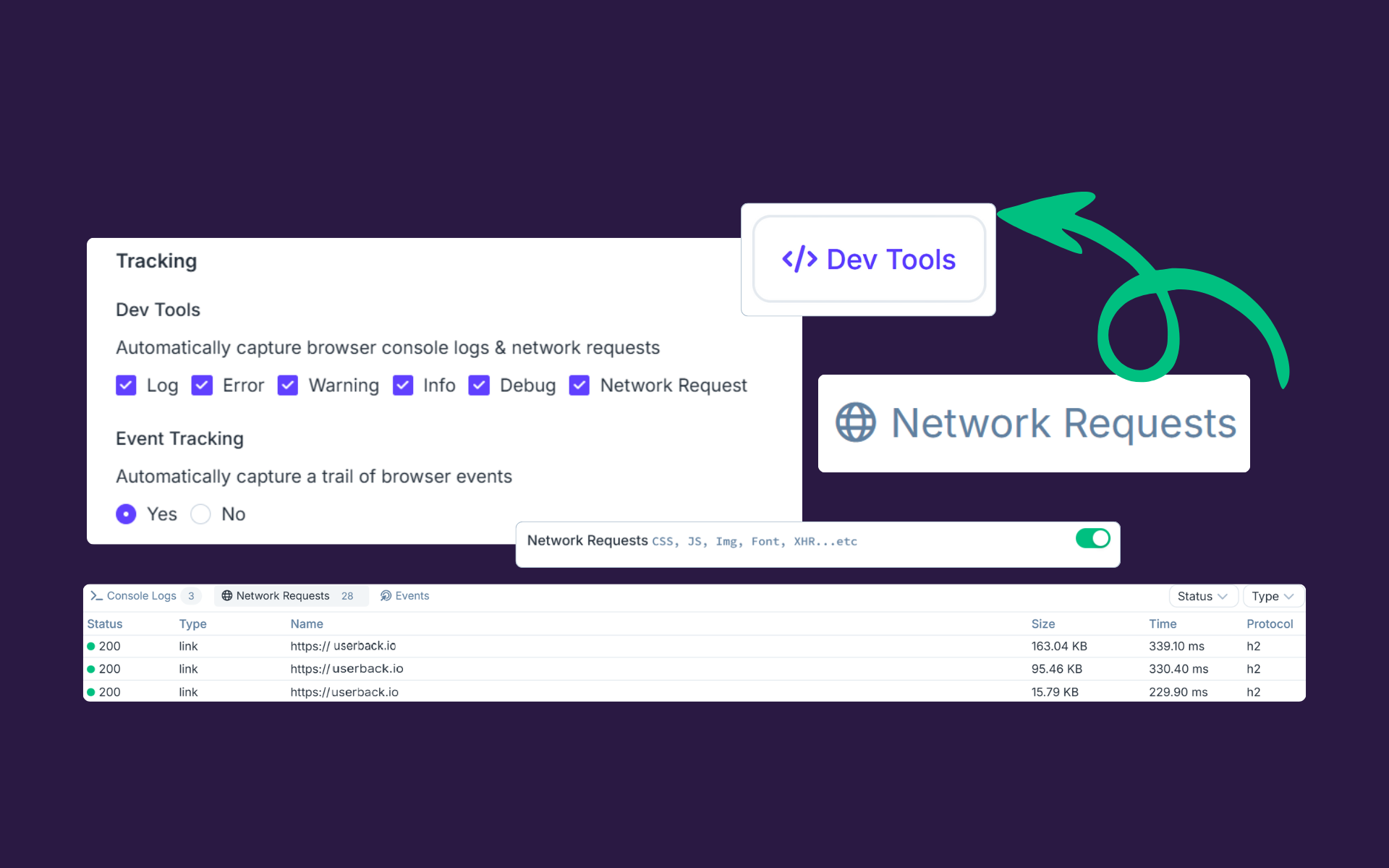
Network Requests are now added to the Developer Tools
Try It Today!
Once enabled, you'll see outbound HTTP requests displayed in the Developer Tools panel in your Feedback Viewer and Session Replay timeline. Check out our help article for more information here.