

Added
📬 Email Forwarding is Here!
July 9th, 2025
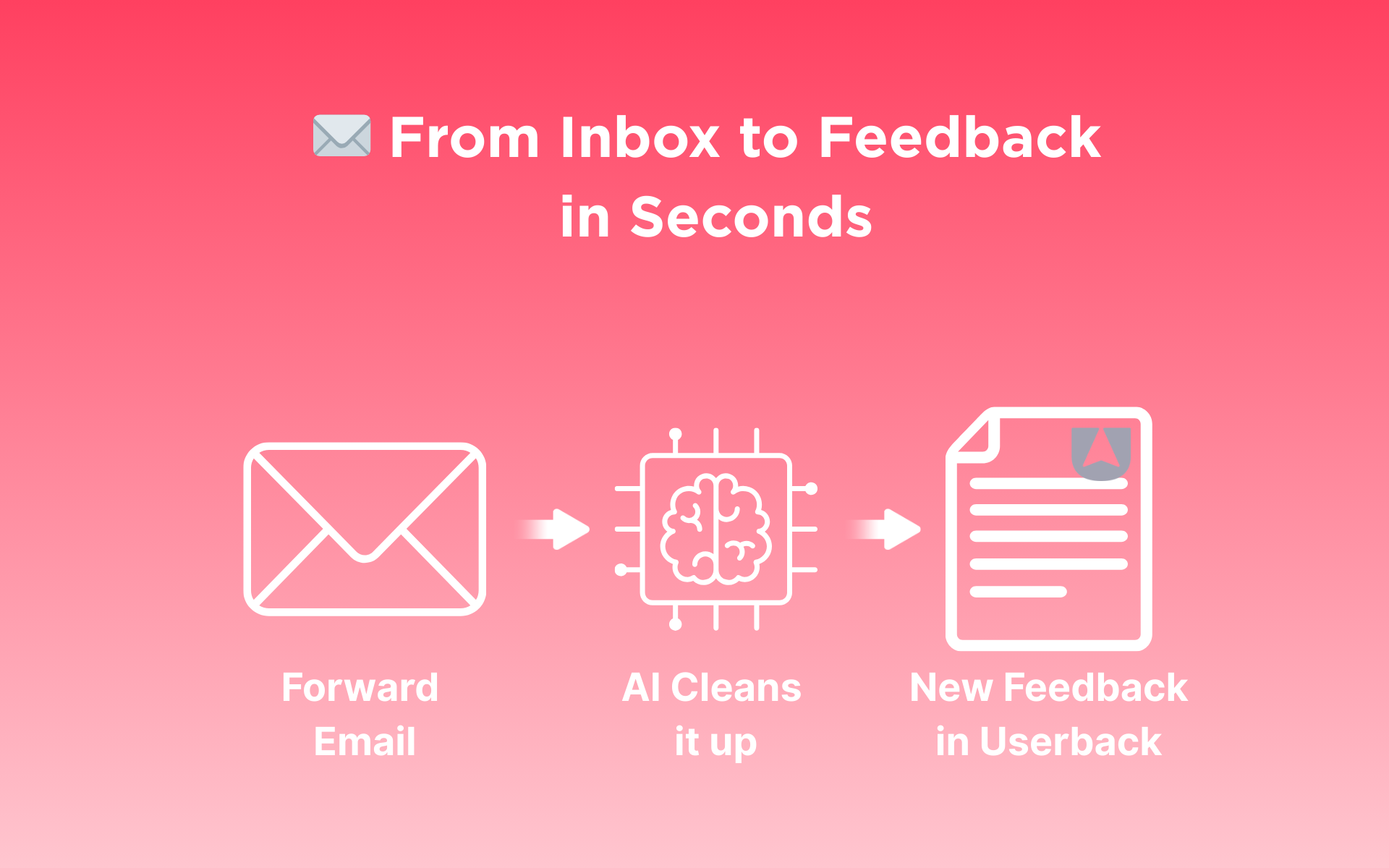
We’ve made it even easier to centralize feedback from your team, no matter where it starts. With Email Forwarding, you can now send feedback straight from your inbox to your Userback projects.
Key Benefits
- Capture internal feedback from anywhere—email, CRM, or support tools
- AI-powered summaries turn emails into clear, structured feedback
- Works with any forwarding method (forward, CC, or BCC)
- Control access with domain and email restrictions
- Eliminate feedback silos by bringing everything into one place
How it Works
When enabled, Email Forwarding lets your team forward emails to a unique address for each project. Feedback is automatically created and includes:
- A clean, AI-summarized title and description
- The original sender’s name and email (when available)
- Any available screenshots
- A full copy of the original email is attached to the feedback
Try It Today!
Start forwarding emails and centralizing your team’s feedback today. Go to Project Settings > Email Forwarding to copy your project’s email address and start capturing email feedback. 👉Learn how to get started